Herman Huang · Official YouTube episode
Watch the film. Explore the camera moves.
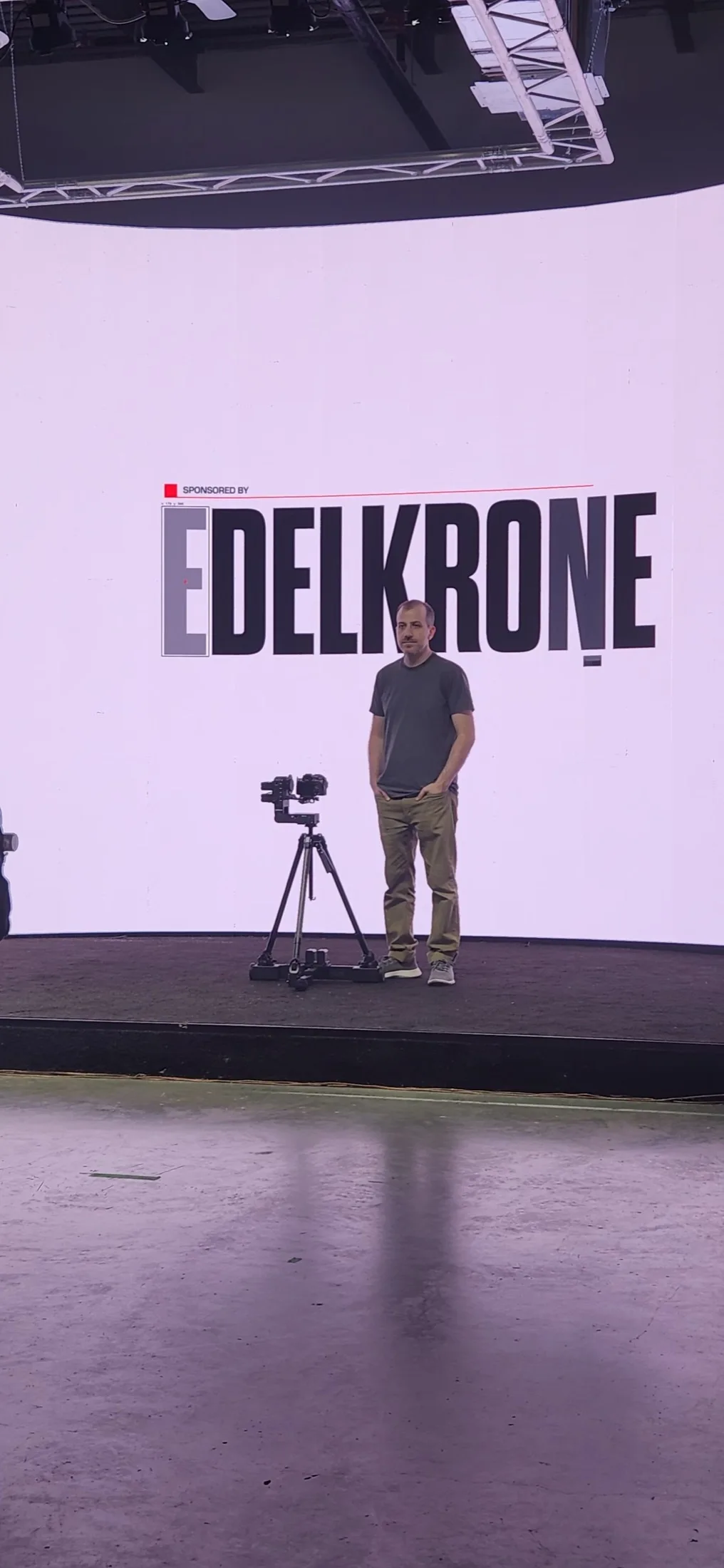
Herman Huang demonstrates five storytelling uses of camera movement with edelkrone DollyONE v2, ending with a short film. The main footage was filmed at Upperland Studio.
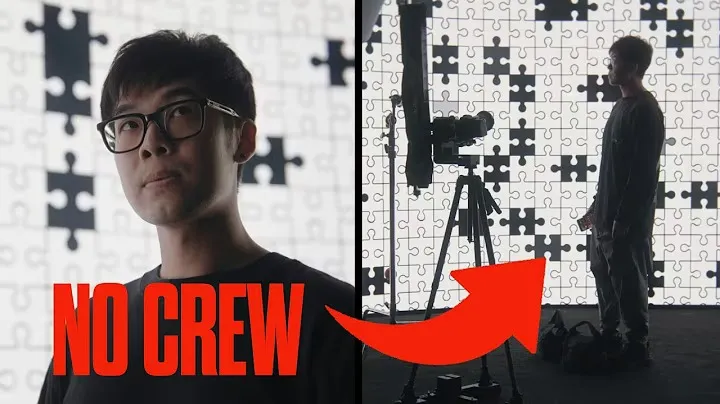
How to Film Cinematic Shots as a Solo Creator (ft. edelkrone DollyONE v2)
Official cover and video: Herman Huang. Published September 25, 2026. YouTube loads when you choose to play. Open on YouTube ↗
Choose a chapter
- 0:00Why move the camera?
- 1:06Emotion
- 2:27Depth and parallax
- 4:41Revealing information
- 5:19Time and repeatable movement
- 6:13Style
- 7:31Final result
Chapter times follow the original video. Topic labels summarise its content. You can also watch directly on YouTube.
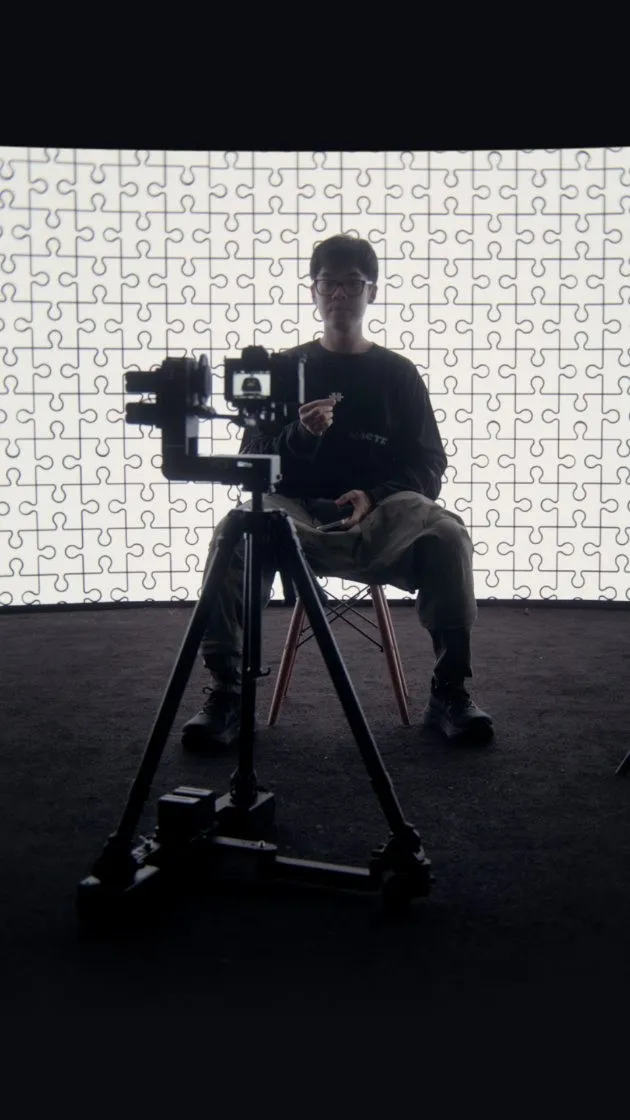
A creator’s camera-movement lesson, filmed at Upperland
The main footage in Herman Huang’s tutorial was filmed at Upperland Studio in Richmond, BC. His episode, How to Film Cinematic Shots as a Solo Creator (ft. edelkrone DollyONE v2), follows a practical question: how can a creator appear in the frame while the camera is moving? Instead of treating movement as decoration, Herman connects each move to something the viewer should feel or discover.
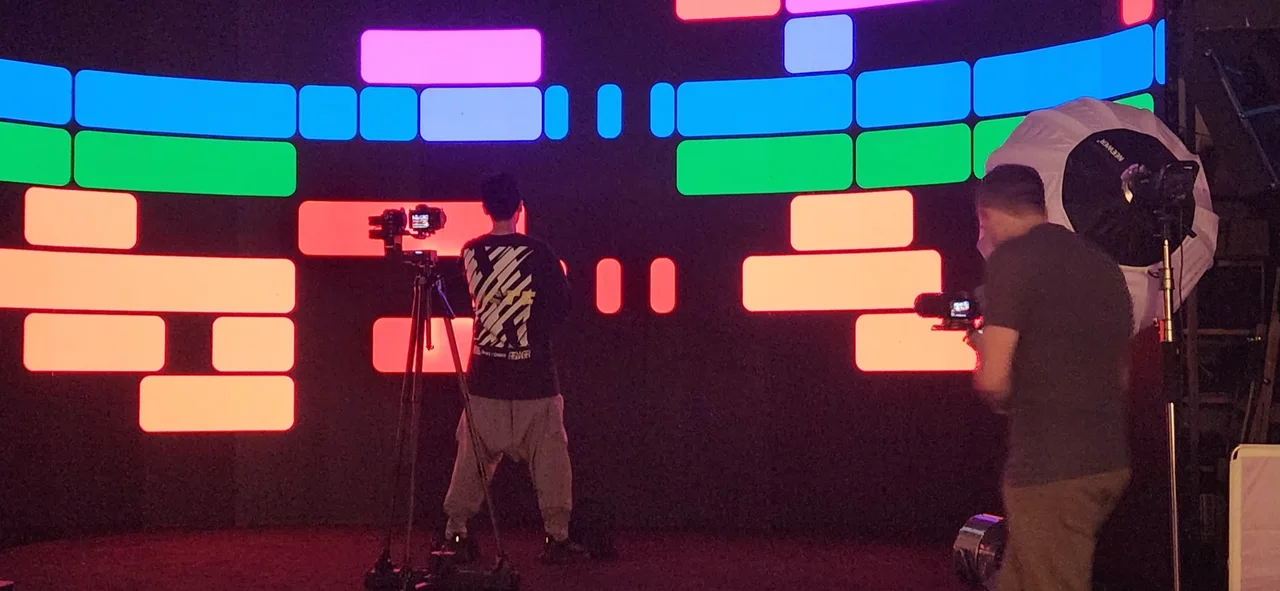
The film’s puzzle-pattern LED environment brings that question into a physical set. You can watch the official episode above, follow a chapter, then compare the finished images with our existing on-set record. The venue connection is specific: Upperland is the filming location, and the related short’s original Instagram publication credits our LED wall.
Meet Herman Huang
Herman is a filmmaker and YouTuber who shares cinematography, editing and sound-design ideas, alongside personal short films. His verified YouTube channel showed approximately 211,000 subscribers on October 25, 2026. He also publishes as @coffeelicker on Instagram and presents his work on his official website.
His approach moves between explaining a technique and showing why it matters in an actual film. This episode makes that connection especially clear: five lessons lead into one finished short. The following notes are our editorial guide to his programme; the full demonstrations and creative decisions are his.
Five ways camera movement tells the story
1. Emotion — 1:06
An arc around a subject can change how we read a moment. Herman contrasts a measured, eye-level move with a faster, lower-angle approach; pushes and pullbacks can also change the feeling of anticipation, urgency or separation. Speed, direction and framing work together. For a creator planning a performance or personal story, the useful starting point is the feeling the shot needs to convey.
2. Depth and parallax — 2:27
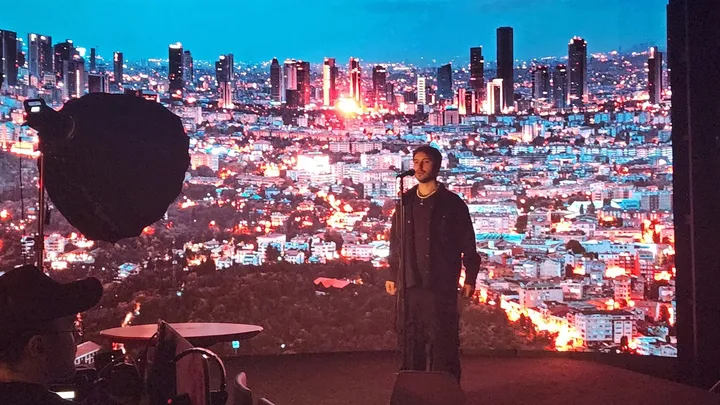
Objects close to a moving camera appear to shift faster than distant ones. Herman uses this difference to make a flat screen feel more spatial, placing real objects in the foreground as the camera travels. In this LED-wall setting, that invites a useful production question: how will the foreground, performer and background read together from the intended camera path?
His demonstration uses the motorised edelkrone DollyONE v2 and discusses HeadPLUS and an RS4 Mini. They are tools in the creator’s demonstration. Plan the camera route and the equipment you intend to bring when discussing your own shoot with the studio.
3. Revealing information — 4:41
A move can change what an audience knows: who is taking an action, where someone is, or what lies outside the initial composition. Herman combines framing, motion and focus to manage that discovery. This is useful for a narrative scene or a product reveal because the timing of new information becomes part of the shot itself.
4. Time and repeatable movement — 5:19
Movement can add another layer to a time-lapse or match cut. Repeat the same path across different takes and the subject can stay visually anchored while the scene changes around them. The chapter connects capture with editing: the intended transition needs to be considered while setting up the move, rather than discovered only after filming.
5. Style — 6:13
Sometimes the purpose is visual energy. A stationary product can become more engaging when the camera changes its relationship to it. Herman applies this idea to promotional and short-form work, while keeping it connected to the earlier storytelling choices. A move can be attractive and purposeful at the same time.
The final film: Why Do I Edit?
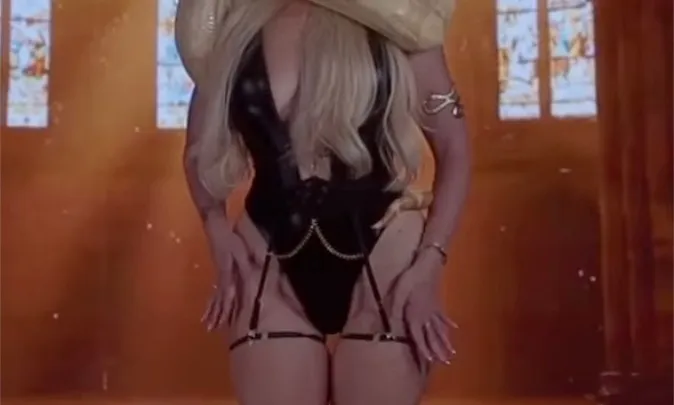
At 7:31, the tutorial shifts from demonstration to the finished short. Why Do I Edit? connects the many small choices on an editing timeline with the larger picture that eventually emerges. Its puzzle imagery supports a personal reflection on creativity and how the filmmaker recognises parts of himself in the finished work.
The standalone film on Herman’s channel and its Instagram release give the work its own space beyond the tutorial. The Instagram credits name @tommydoes_everything for assistant shooting and behind the scenes, and Upperland Studio for the LED wall. The tutorial is sponsored by edelkrone. Its solo-creator focus describes a workflow; the accompanying credits also recognise the people who helped make the short.
Turn a camera idea into a studio plan
For your own tutorial, product film or narrative scene, start with three things: the feeling of the shot, the camera’s route, and what should change between takes. Bring a reference frame, your equipment footprint and a sample background so we can discuss how the setup will fit. LED artwork, foreground props and camera movement need to be planned together.
Explore Herman’s creator profile, the film production archive and TOOSA × AKC’s product-video series for other documented uses of the room. To discuss your dates and setup, plan your shoot with Upperland. Confirm equipment and labour needs with the studio when enquiring.
Sources: Herman’s official episode, the transcript supplied to the studio, and his original short-film credits. The studio owner confirmed that the episode’s main footage was filmed here. The video’s publication date is September 25, 2026; it is not presented as a filming date. Subscriber count is a dated channel observation.
Watch the work & behind the scenes
- Herman’s DollyONE v2 cinematic-camera tutorial
- Why do I edit? — original post with studio credit
- Why Do I Edit? — Herman’s YouTube film
Artists & production credits
- Filmmaker / creator: Herman Huang — Instagram · YouTube · Official website
- Assistant shooting / behind the scenes on the credited short: @tommydoes_everything — Instagram
- Studio / location: Upperland Studio — Instagram
Explore the images and their sources
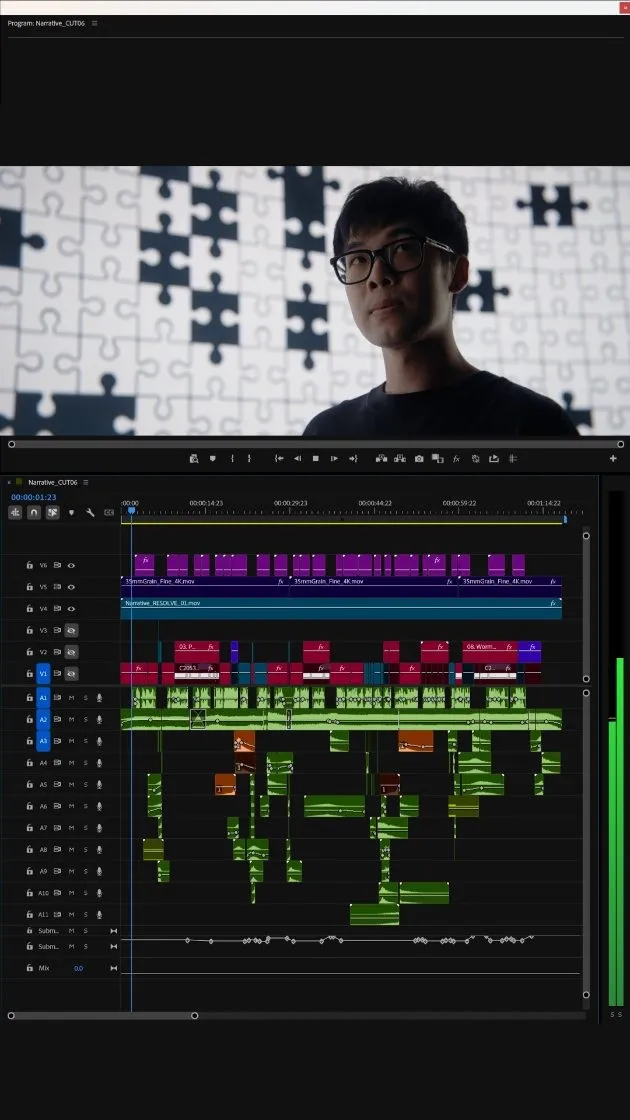
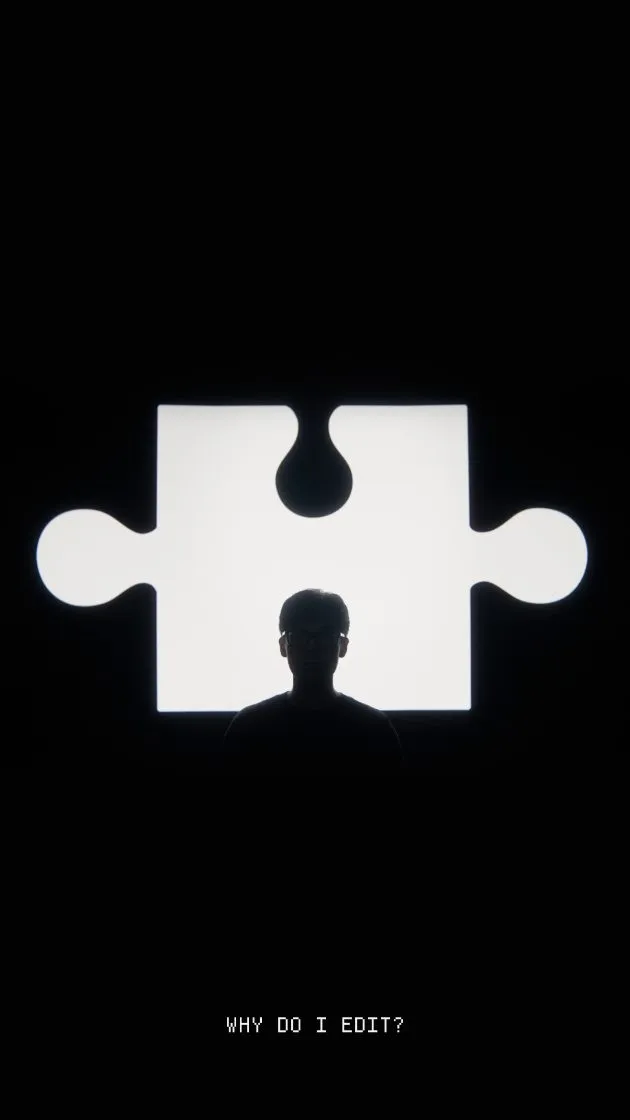
Herman on set at Upperland Studio