
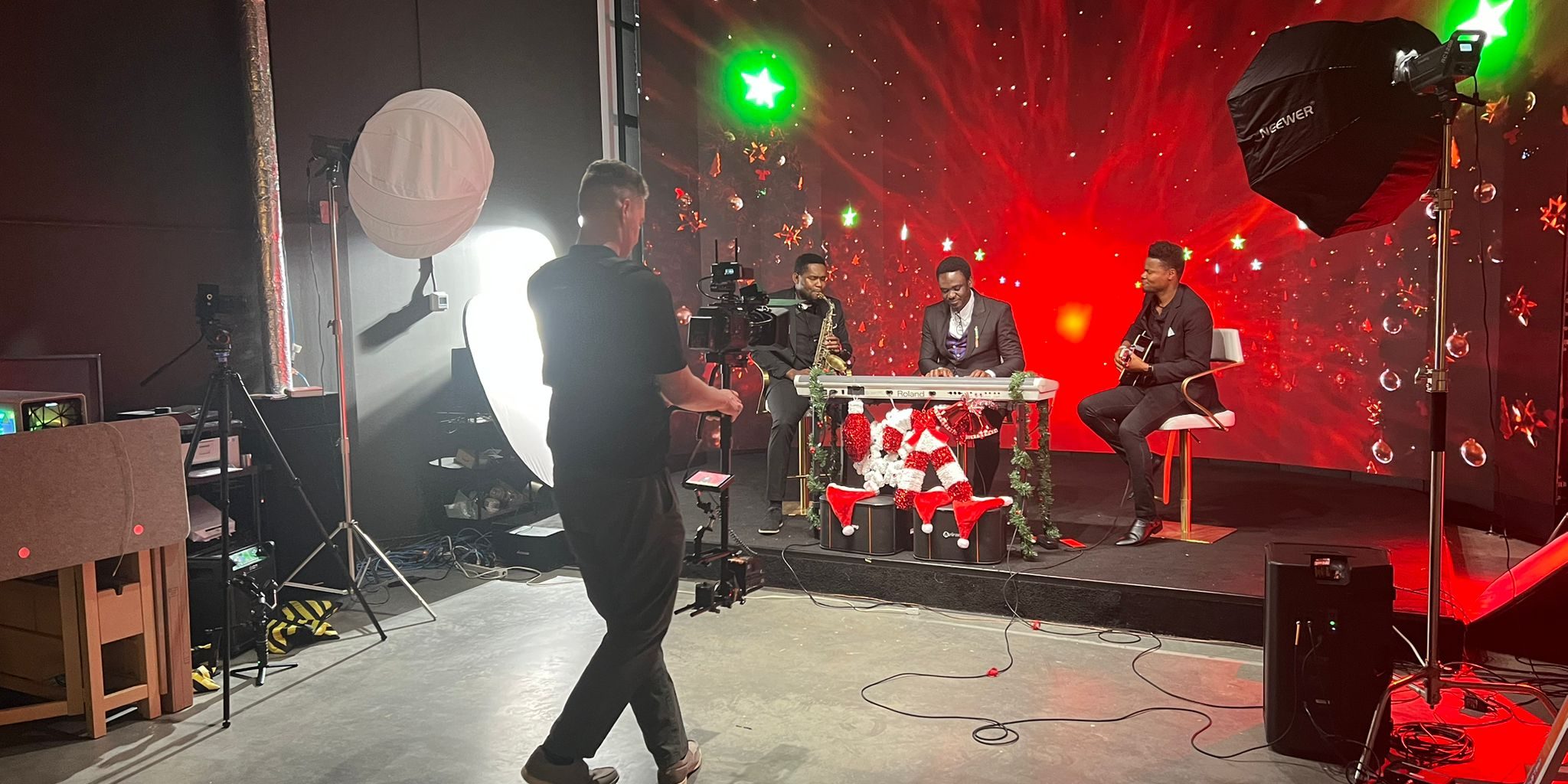
Your online course content is only as good as it looks. In a world where students scroll past grainy webcam recordings in seconds, production quality is the difference between a $29 course and a $299 one. If you’re a course creator, coach, or knowledge entrepreneur in Vancouver, there’s a way to get broadcast-quality visuals without a broadcast-size budget.
Why Production Value Matters for Online Courses
According to Thinkific’s 2025 Creator Report, courses with professional-looking video see 3x higher completion rates and significantly better reviews. Students associate visual quality with content quality — it’s the same reason you’d trust a well-designed website over a sloppy one.
But here’s the problem: most course creators film at home. Bad lighting, cluttered backgrounds, inconsistent audio. The result? Content that undermines even the best teaching. A dedicated studio session can transform your entire course library in a single day.
What Makes an LED Wall Studio Ideal for Course Filming
At Upperland Studio in Richmond, BC, our 7-metre curved LED wall lets you project any background in real time — a sleek office, a library, a branded gradient, even a tropical beach. No green screen compositing. No post-production headaches. What you see on camera is what your students see in the final video.
This is especially powerful for course creators because:
- Consistent look across all modules: Film 10 lessons in one session and every background matches perfectly
- Instant scene changes: Switch from a “lecture” background to a “Q&A” setting in seconds — no set teardown
- Professional lighting built in: The LED wall doubles as your key light, wrapping natural-looking illumination around you
- No editing artifacts: Unlike green screen, there’s no spill, no halo, no transparency glitches around your hair
A Typical Course Creator Studio Day at Upperland
Here’s how our course-creator clients typically structure a filming day:
Morning Session (2-3 hours): Core Lessons
Arrive with your script or bullet points. Our team helps you set up the LED wall with your branded background. Film your main course modules back-to-back. Most creators knock out 8-12 lessons in a single morning session.
Afternoon Session (2 hours): Bonus Content & Marketing
Switch the background to something different — a casual setting for Q&A videos, a bold branded look for your sales page video, or a clean backdrop for TikTok and Instagram Reels that promote your course. One day, multiple content types.
Cost Comparison: Home Setup vs. LED Wall Studio
Let’s break down the real numbers:
- Home setup (lights + backdrop + audio): $500-$2,000 upfront, plus hours of setup/teardown per session, inconsistent results
- Traditional studio rental in Vancouver: $200-$500/hr, often with minimum 4-hour bookings
- Upperland Studio: Starting at $99/hr with a 2-hour minimum — that’s a full course filmed for under $400
Check our full pricing comparison with other Vancouver studios to see how much you save.
What You Get That a Home Setup Can’t Deliver
Beyond the LED wall itself, filming at a professional studio means:
- Unreal Engine-powered backgrounds with camera tracking technology — your background shifts naturally as the camera moves
- 3-camera podcast-style setup available — perfect for interview-format courses or panel discussions (see our podcast studio setup)
- Climate-controlled environment — no Vancouver rain noise, no street sounds, no interruptions
- Teleprompter-friendly setup — so you can deliver your content naturally while staying on script
Who Films Courses at Upperland Studio?
Our course-creator clients include:
- Business coaches filming leadership and management programs
- Tech educators creating coding bootcamp content
- Health & wellness practitioners producing certification courses
- Real estate trainers building agent education platforms
- Language teachers recording structured lesson series
- Solopreneurs who need to produce all their video content in one efficient session
From Filming to Upload: The Complete Workflow
Here’s how simple it is to go from idea to published course:
- Pre-production: Outline your modules, prepare scripts or bullet points
- Book your session: Reserve 4-6 hours at Upperland Studio (that’s enough for most full courses)
- Film day: Arrive, choose your backgrounds, film all your modules back-to-back
- Post-production: Basic editing, add slides/graphics, upload to your platform
- Launch: Your course goes live with professional-grade video that builds trust instantly
Location & Access
Upperland Studio is located at 238-13880 Wireless Way, Richmond BC V6V 0A3 — just 10 minutes from YVR airport and easily accessible from Vancouver, Burnaby, and Surrey. Free parking on-site.
Contact us at 604-723-4239 or 778-668-3566, or email info@cyantech.com.
Frequently Asked Questions
How many course lessons can I film in one session?
Most course creators film 8-15 lessons in a 4-6 hour session. Short-form lessons (5-10 minutes each) can be filmed even faster — some clients complete 20+ segments in a single day.
Do I need to bring my own camera and equipment?
Our studio comes equipped with professional cameras, lighting, and audio. You just need to show up with your content prepared. If you prefer to bring your own camera, that works too.
Can I use custom branded backgrounds on the LED wall?
Absolutely. Send us your brand colors, logos, or specific background images before your session and we’ll have them loaded and ready. You can switch between backgrounds instantly during filming.
What’s the minimum booking for course filming?
Our minimum booking is 2 hours at $99/hr. For a full course, we recommend 4-6 hours which gives you plenty of time for multiple modules, B-roll, and promotional content.